Transaction log: use the category codes
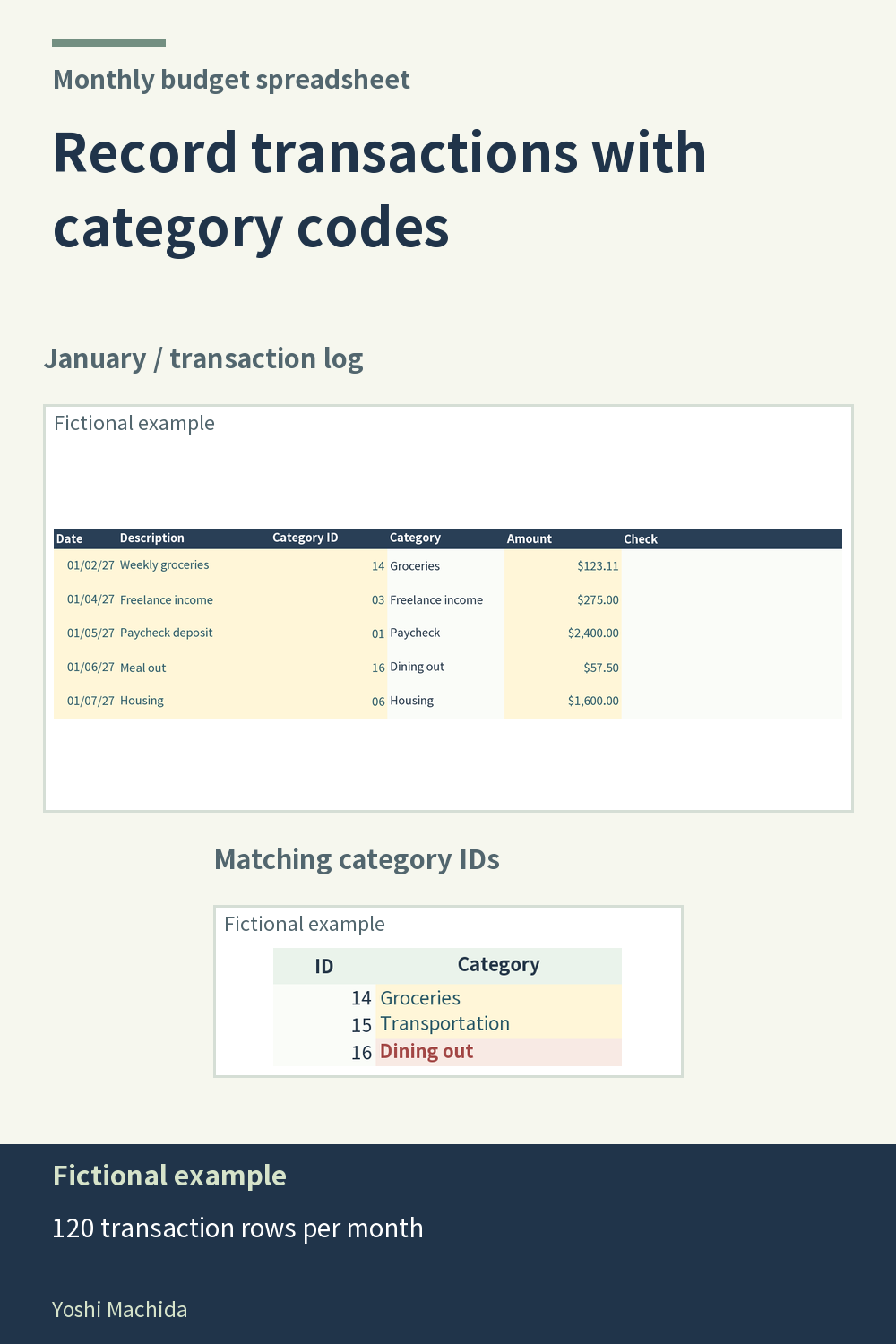
A transaction log is easier to review when each row represents one recorded item. This view shows dates, descriptions, category IDs, categories, amounts and a Check column. The category code connects a record to its category total. Sample figures are fictional.
First choose the correct month's tab. Then enter the transaction information and use the code for the category you intend. In this planner, dates are reference information: typing a February date on January's tab does not move that entry to February. This distinction matters when entering several months of records in one sitting.
After entering a row, read the category shown beside the code and compare it with your description. A recognizable description helps you revisit an entry, but the category code determines where its amount is counted. If those two pieces of information disagree, check the code before reading the category totals.
The workbook has space for 120 transactions per month and calculates actual amounts from the recorded entries. Use a short, consistent description style, such as the type of item rather than unnecessary personal details. For any manual log, reviewing one complete row at a time is a useful way to spot an omitted amount or an unintended category before moving on to the monthly overview.