Monthly budget template: amount and category input checks
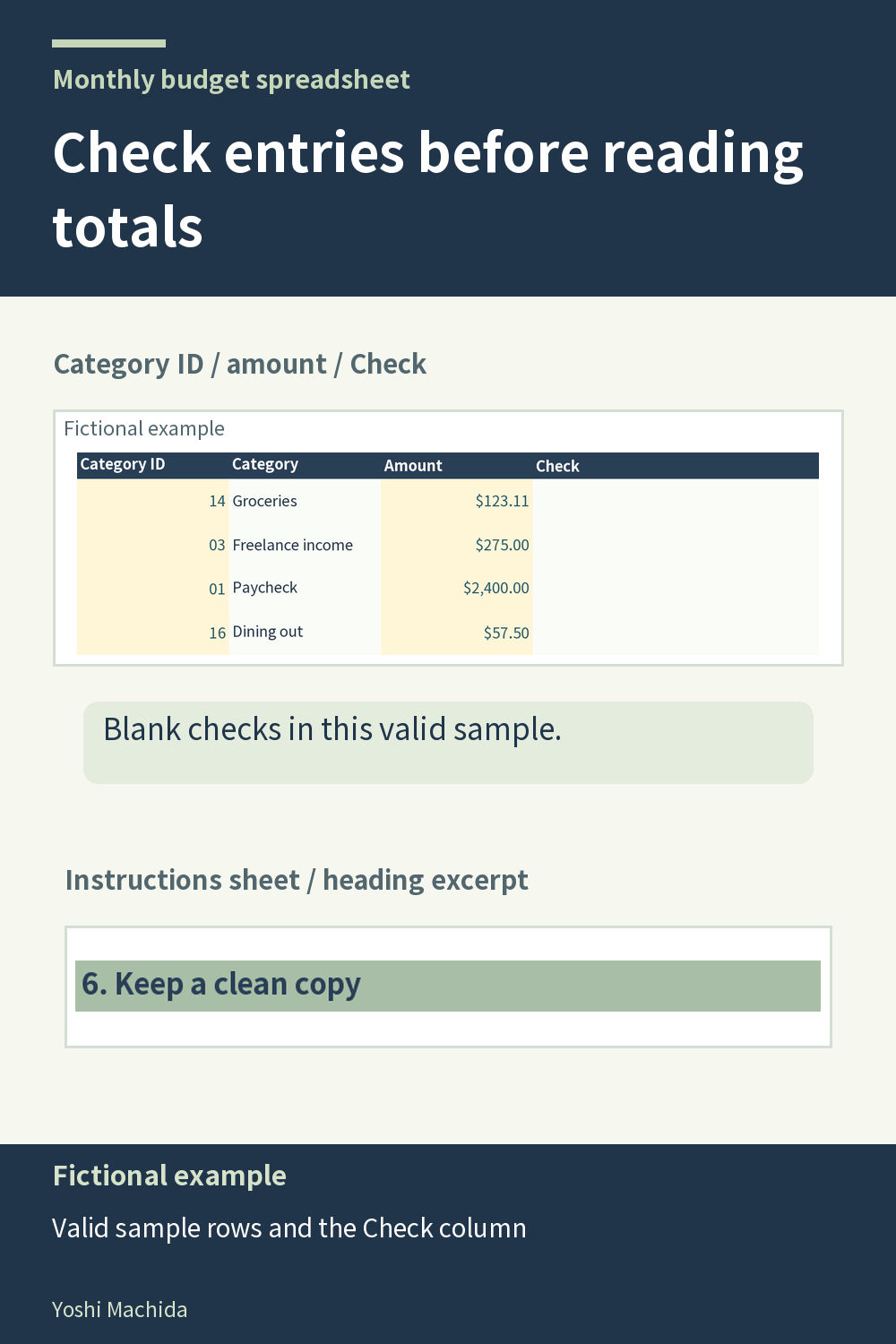
An input check is a prompt to inspect an entry, rather than a substitute for reviewing the record. The planner flags text or invalid entries in amount and category cells. This image shows valid sample records and the Check column; it does not invent an error in the demonstration data. Sample figures are fictional.
If a check appears while entering your own records, return to the affected row. Compare the category code with the reference list and inspect the amount you typed. A copied number may have been entered as text, or a category entry may not match the intended code. Correct the input itself rather than trying to change the calculated result.
Then read the whole row again: description, category and amount should describe the same item on the correct month's tab. A valid code can still be the wrong category for your record, so a quiet Check column does not prove that every entry is complete or assigned as intended.
For any manually entered table, separate two reviews. First check whether the input has an acceptable form; then check whether it represents the intended information. The workbook's checks help with the first review. Your row-by-row inspection supplies the context for the second. This keeps attention on correcting records before interpreting monthly totals and charts.