Monthly budget template: start your workbook in four steps
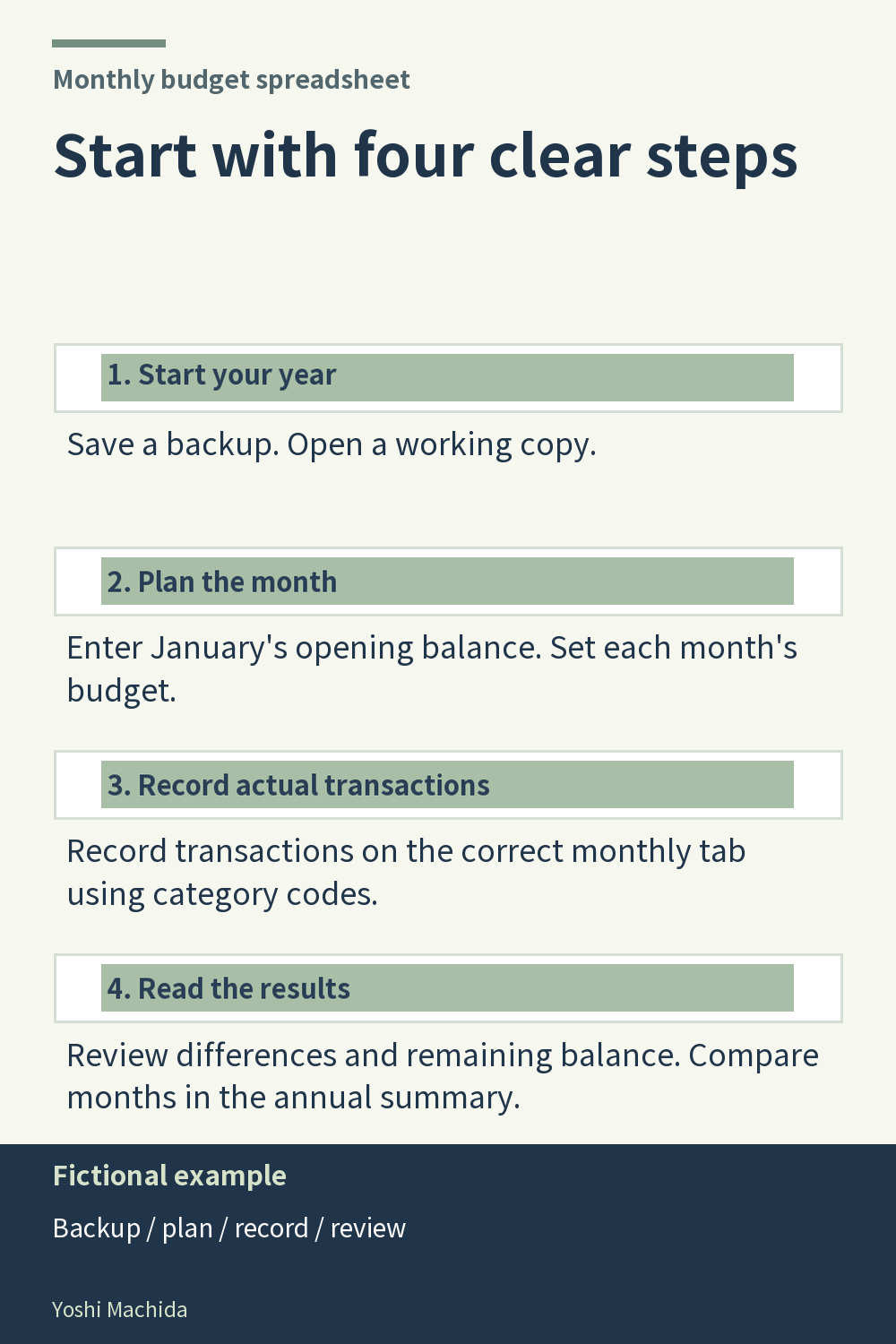
A short setup sequence helps distinguish preparation from record entry. The image shows a section of the workbook's Instructions sheet. The four steps below summarize the product's getting-started directions; they are not a claim that the Instructions sheet contains only four sections. Sample figures are fictional.
First, save a backup of the original workbook and open a working copy in an application that supports XLSX files. Keeping the original separately gives you a clear starting file while you enter information in the copy.
Second, read the instructions, enter January's opening balance and set each month's budget. This establishes the starting point and the planned amounts before you interpret actual totals. Third, record transactions on the correct month's tab using category codes. The workbook calculates actual amounts from those records, and transaction dates do not move entries between sheets.
Fourth, review the differences and remaining balance, then use the annual summary to compare months. Review completed months when making comparisons. These stages answer different questions: which file am I editing, what is planned, what has been recorded and what do the results show? You can use the same sequence with a simple table of your own. Complete one stage deliberately before switching attention to the next, and keep instructions available when a field or measure is unfamiliar.