Household budget planner: fixed and variable expense categories
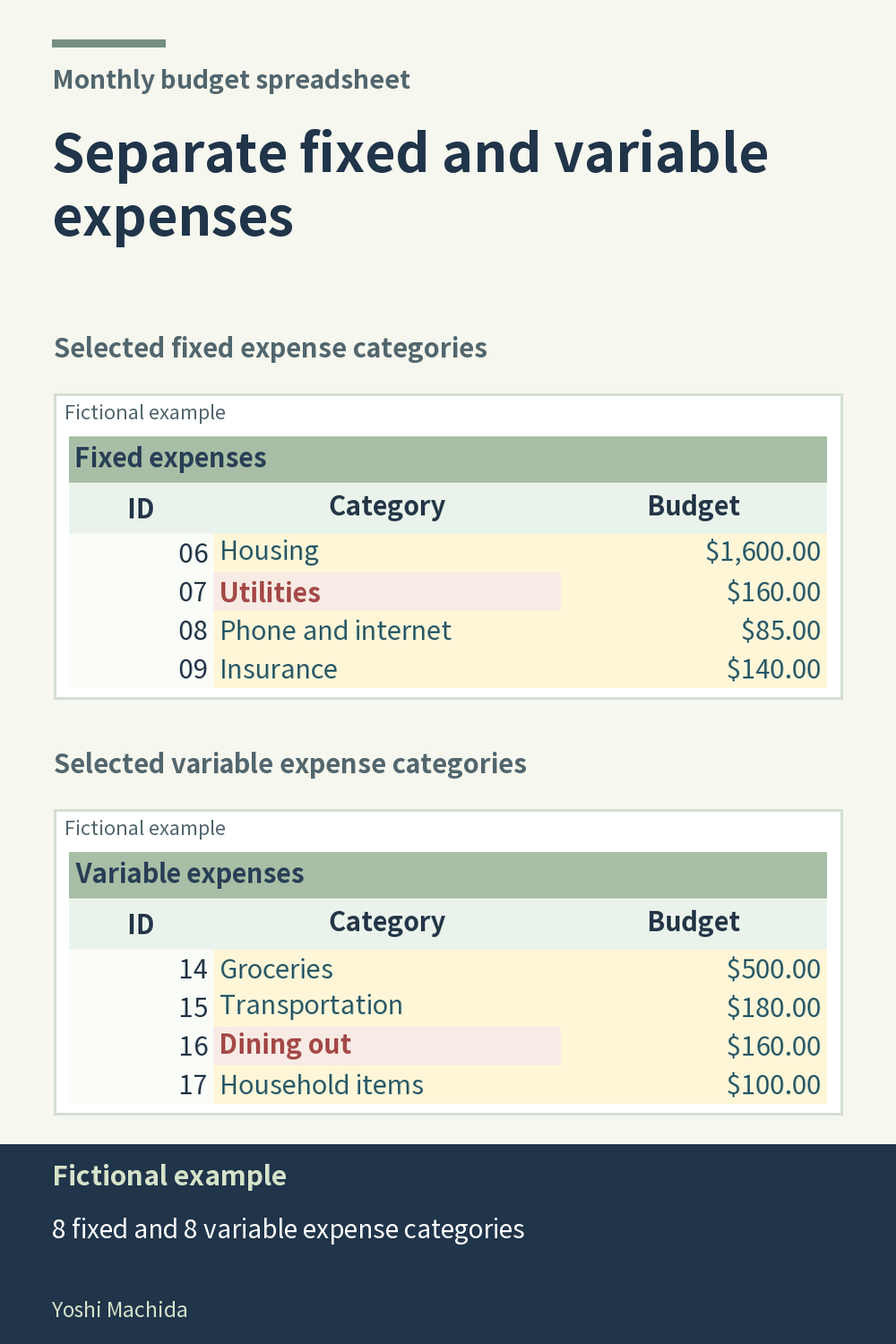
Two expense sections make the category table easier to navigate. The planner has eight fixed expense categories and eight variable expense categories. The image shows excerpts from both sections, focusing on their category labels and planned amounts. Sample figures are fictional.
Begin within one section. Find a category label, read its planned amount, then read its actual amount from the recorded transactions. Continue to the section total only after you understand the individual rows you are inspecting. A total tells you the group's combined amount, while the category rows help you trace how it was built.
Use the other section in the same way. The two groups are parts of the workbook's category structure, not a rule about how your household should spend. When entering records, refer to the listed category codes rather than choosing a code solely from a general idea of fixed or variable costs.
For a review note, include both the section name and the category name. This makes it easier to return to the same row later, especially if you are comparing recorded activity across completed months. In a table you create yourself, visible section headings serve the same purpose: they guide navigation without replacing the detail. Check the category entries behind an unexpected total before drawing conclusions from the group comparison.