Budget spreadsheet: understand the expense breakdown chart
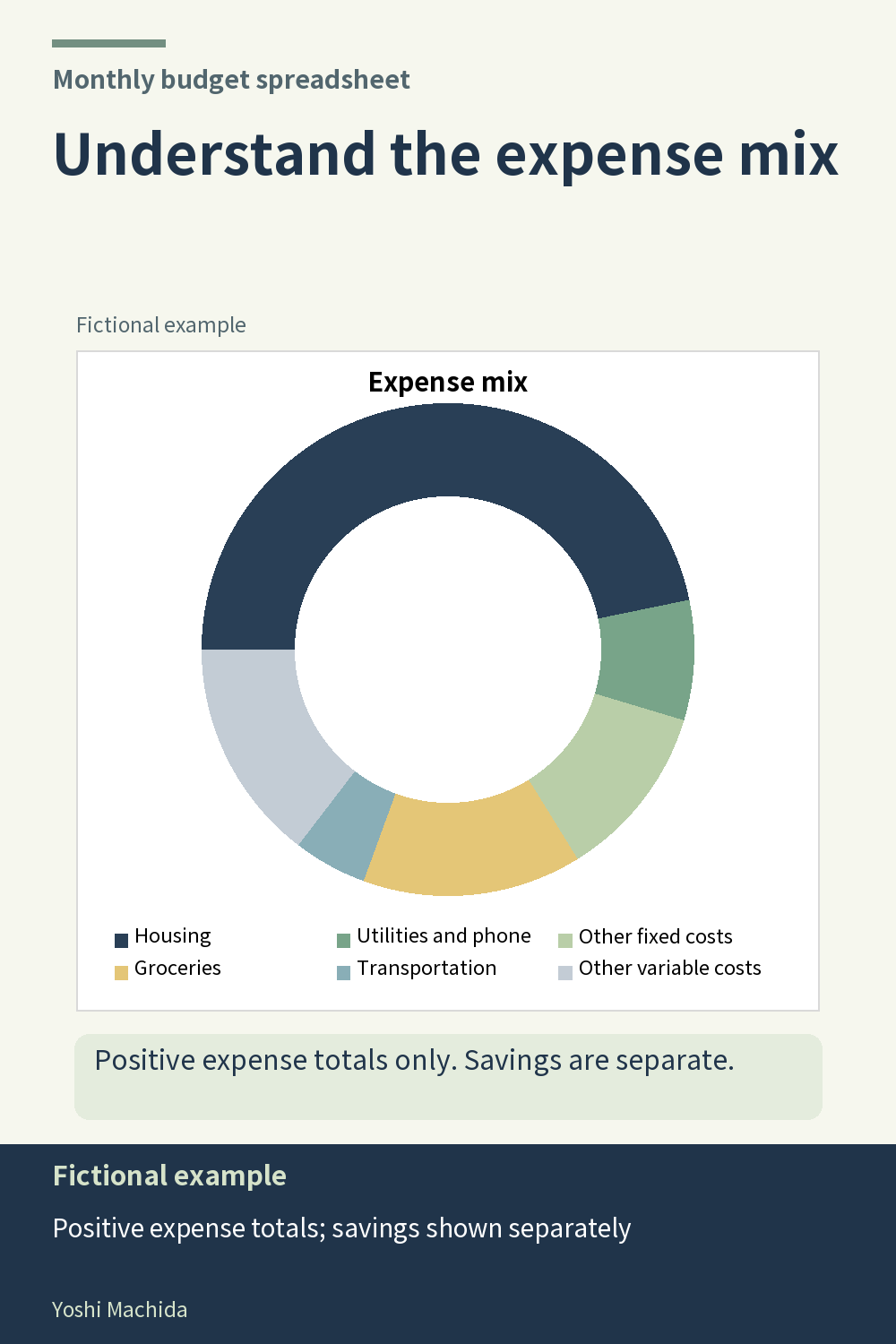
An expense mix chart shows how the plotted expenses are divided among groups. Before reading a slice, check what is included in the chart. This planner's expense breakdown charts use positive expense-category totals, exclude categories with net negative totals and keep savings separate. Sample figures are fictional.
Read a group label, then find its corresponding slice. Compare it with the other plotted groups to understand the composition of that view. A slice is a share of the included chart amounts; it is not a share of income or a savings allocation rate. These are different measures with different inputs.
If a category has a net negative total, it is excluded from this expense breakdown. That means the mix chart can answer a different question from a table that includes all recorded expense activity. When a chart and a table appear different, inspect their definitions before assuming the records are wrong.
A useful chart-reading note has two parts: what the chart includes and what you want to inspect next. For example, identify a plotted group, then return to its expense categories in the monthly table. This keeps the review connected to the underlying records. In any breakdown chart, the inclusion rule belongs beside the picture: a clear scope makes the visual comparison easier to interpret without turning it into a recommendation about how to allocate money.