Monthly budget template: find expense categories over budget
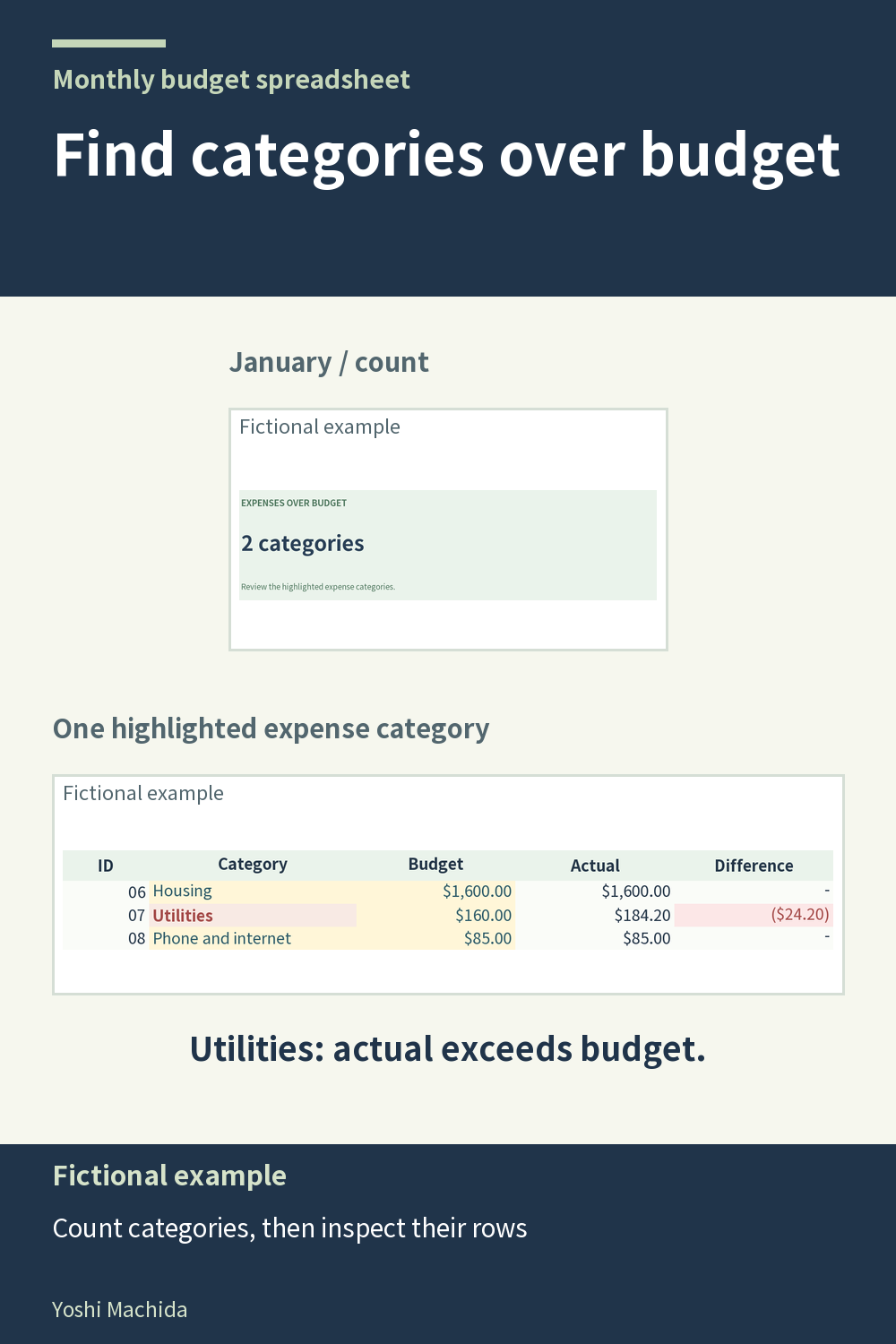
An over-budget count tells you how many expense categories meet a condition, rather than the size of their combined difference. This view shows the monthly count alongside expense rows you can inspect. The planner counts fixed and variable expense categories whose actual amounts exceed their planned budgets. Sample figures are fictional.
Read the count first, then look at the budget and actual columns in the expense tables. For each category you examine, compare the two amounts directly. A category can exceed its plan by a small or large amount and still contribute one to the count. Do not read the count as an amount of money.
If a row surprises you, inspect its recorded transactions and category codes. This is a record review: it checks whether the entries describe the intended month and category. The count does not explain why an expense occurred, and it does not prescribe what to change.
The annual count uses a different period: it compares each category's yearly actual total with its yearly budget. It is not simply a tally of monthly alerts. Keep the period written beside any review note, such as January category count or annual category count. This simple distinction helps when reading dashboards in any workbook and prevents a monthly measure from being compared directly with a yearly one.